Publish to Every Platform at Once
Stop logging into four different apps. Publish to LinkedIn, Facebook, Instagram, and Twitter from one dashboard — with content optimized for each platform.
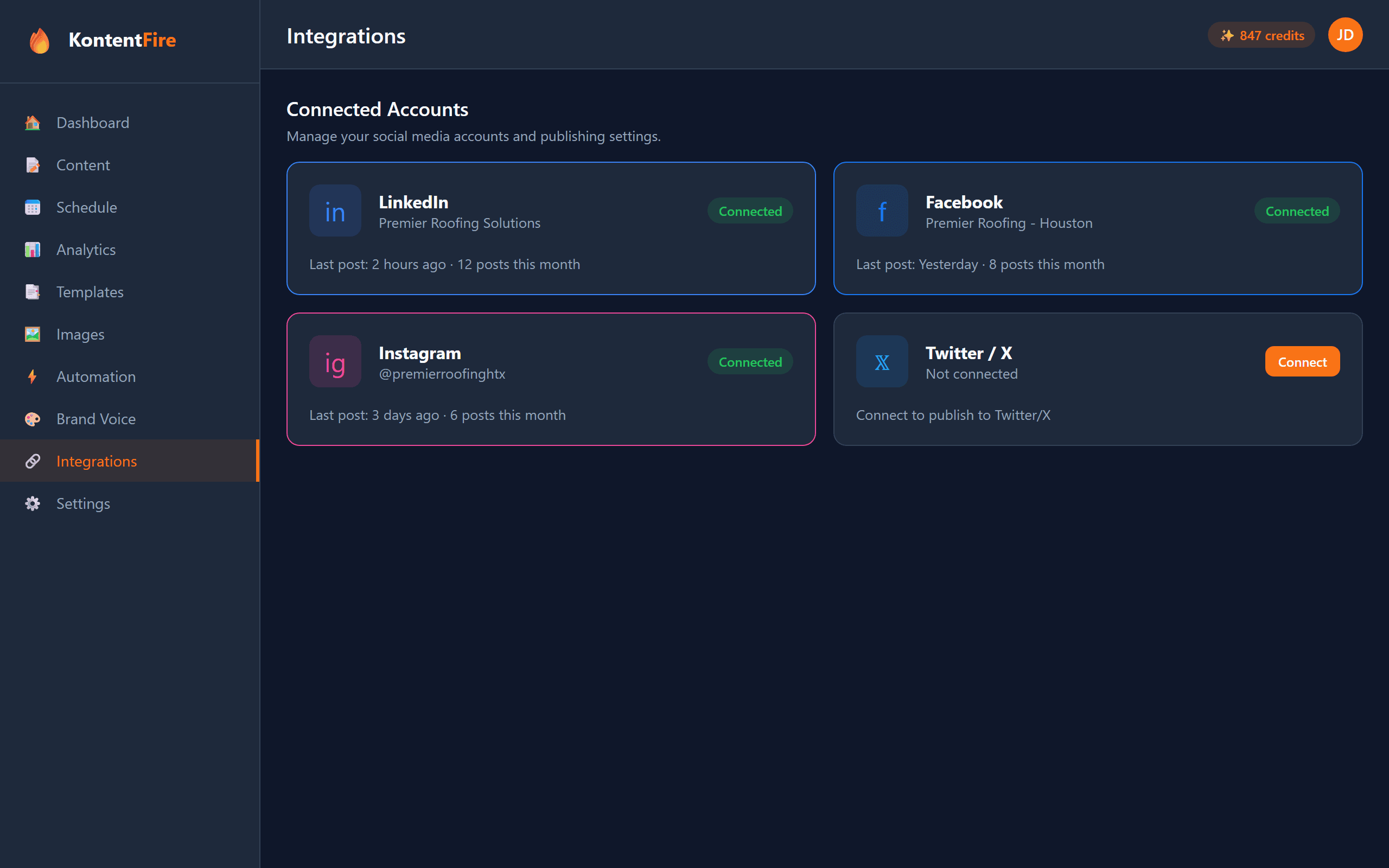
Supported Platforms
Professional content with proper formatting, hashtags, and article links optimized for the LinkedIn algorithm.
Engaging posts with images, links, and calls to action tailored for Facebook Pages and business profiles.
Visual-first content with optimized captions, hashtag sets, and story-ready formats for maximum engagement.
Twitter / X
Concise, punchy posts within character limits. Thread support for longer content and strategic hashtag usage.
Why Multi-Platform Matters
One Dashboard
Manage all your social media accounts from a single interface. No more switching between apps or browser tabs.
Instant Cross-Posting
Publish to all connected platforms simultaneously with one click. Each version is automatically optimized for its platform.
Platform Compliance
Content is automatically formatted to meet each platform's requirements — character limits, image sizes, and link formatting.
Unified Analytics
Track performance across all platforms in one view. Compare engagement rates, reach, and growth side by side.
Smart Repurposing
Turn one piece of content into platform-specific versions. A blog post becomes a LinkedIn article, tweet thread, and Instagram carousel.
Team Collaboration
Multiple team members can create, review, and approve content across all platforms with role-based access controls.
How It Works
Connect Your Accounts
Link your LinkedIn, Facebook, Instagram, and Twitter accounts with secure OAuth authentication.
Create or Generate Content
Write your own posts or let AI generate platform-optimized versions for each connected account.
Preview & Customize
See exactly how your post will appear on each platform. Make platform-specific tweaks if needed.
Publish Everywhere
Hit publish once and your content goes live across all selected platforms simultaneously.
Common Questions
Which social media platforms does KontentFire support?
KontentFire currently supports LinkedIn, Facebook (Pages), Instagram, and Twitter/X. Google My Business integration is on the roadmap. All platforms are managed from a single dashboard with platform-specific content optimization.
Does cross-platform posting mean the same content goes everywhere?
Not necessarily. KontentFire can post identical content to all platforms, but it also supports platform-specific customization. The AI automatically adapts tone, length, hashtags, and formatting for each platform. You can also manually edit the version for each platform before publishing.
How do I connect my social media accounts?
Connecting accounts uses secure OAuth authentication. You click "Connect" for each platform, sign in to your social account, and grant KontentFire posting permissions. Your login credentials are never stored — only secure access tokens that can be revoked at any time.
Can I schedule posts for different times on different platforms?
Yes. While you can publish to all platforms simultaneously, you can also set platform-specific scheduling. For example, post to LinkedIn at 8 AM for the professional audience, Instagram at noon for visual engagement, and Twitter at 5 PM for the evening scroll.
What happens if a post fails on one platform?
KontentFire uses a robust retry system with exponential backoff. If a post fails on one platform, it automatically retries up to 5 times. Other platforms are not affected. You receive a notification if a post ultimately fails, and can manually retry or edit and repost.
Related Features
Ready to Publish Everywhere?
Connect your accounts and start publishing to all platforms from one place.